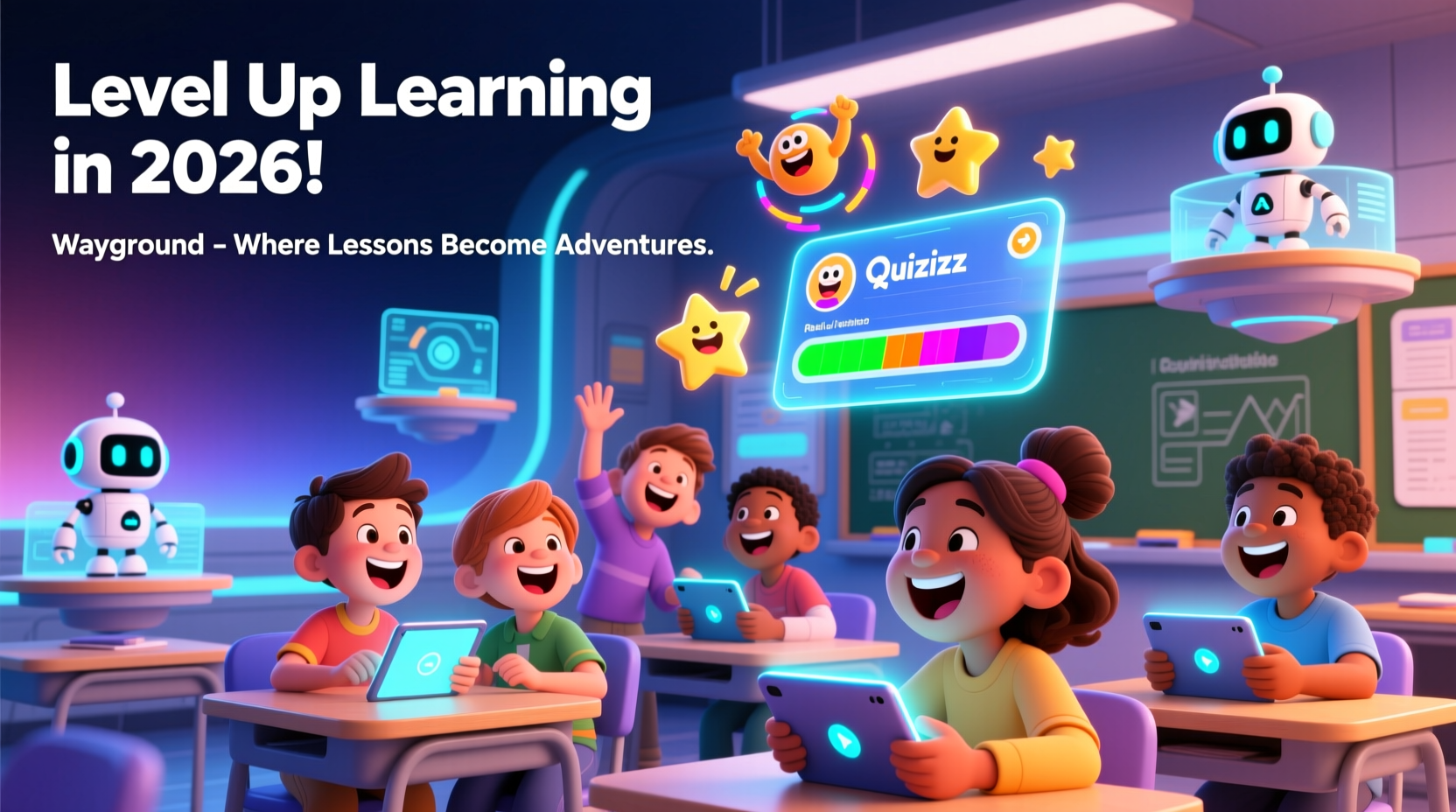
You know that moment when kids light up during a lesson? That’s what Quizizz brings to the table. It’s a tool teachers use to make quizzes exciting. But wait, it’s now called Wayground. Don’t worry, I’ll explain it all. This guide covers what you need to know. We’ll look at features, how to start, and tips to make it work for you. By the end, you’ll see why it helps students learn better.
What Is Quizizz? The Shift to Wayground Explained
Quizizz started in 2015 as a simple quiz app. It let teachers run games where kids answer at their own speed. Fast forward to 2025, and it changed to Wayground. Why? It grew beyond quizzes. Now it helps with full lessons, AI tools, and more.
The rebrand happened in June 2025. The team wanted a name that fits its bigger role. Wayground means finding your path in a shared space—like a classroom. Old links still work. You get redirected to wayground.com. Accounts stay the same. No big disruptions.
Today, it’s used in 90% of U.S. schools and over 150 countries. Teachers love it for quick checks on learning. Students enjoy the game feel. It’s not just quizzes anymore. You can build slides, flashcards, and videos too.
Key Features That Make Wayground Stand Out
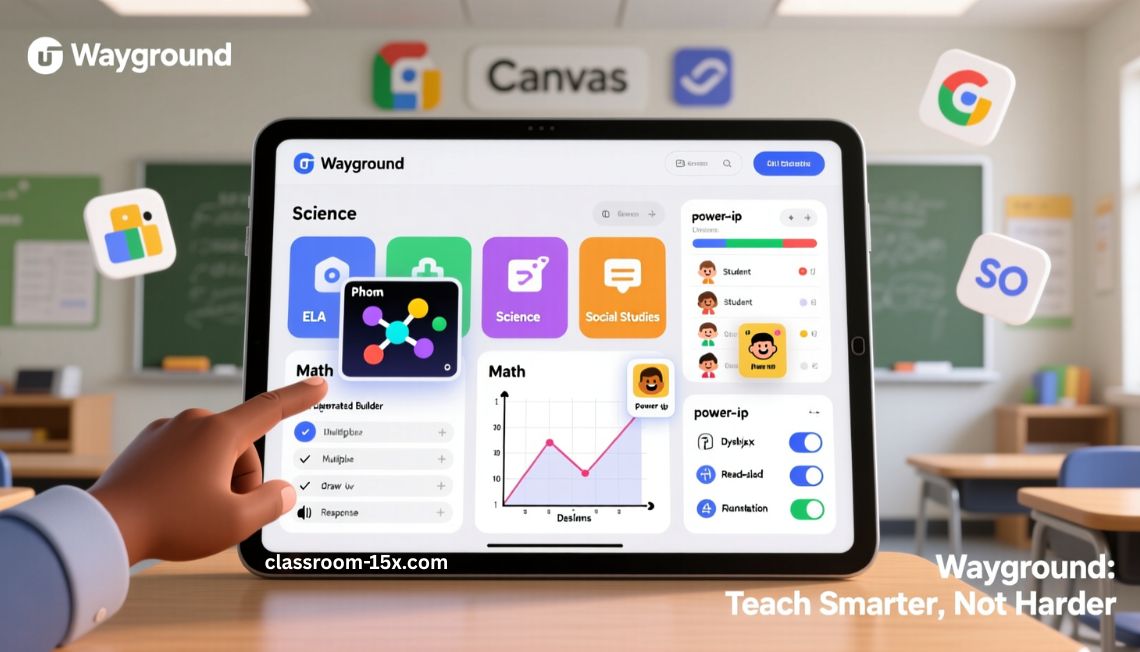
Wayground packs tools for every part of teaching. You can find ready-made stuff or make your own. Let’s break it down.
Resources for Every Subject
Wayground has stuff for all main subjects. You pick what fits your class.
- ELA: Reading texts, videos, flashcards, and quick tests. Great for building skills like comprehension.
- Math: Step-by-step slides, links to tools like Desmos, flashcards, and checks. Helps with problems from basic to tough.
- Science: Sims from PhET, slides, flashcards, and tests. Makes experiments fun without a lab.
- Social Studies: Slides on standards, old docs, flashcards, maps, and timelines. Brings history to life.
- Elementary: Videos, audio flashcards, slides, and game tests. Keeps young kids hooked.
- Reading: Videos, texts, flashcards, and checks. Boosts fluency and understanding.
- Test Prep: Mock tests, slides, videos, and prompts. Mirrors real exams.
- Writing: Slides, videos, prompts, and rubrics. Guides kids through essays.
- Career & Technical Education: Job videos, real scenarios, flashcards, and tests. Preps for work.
- Foreign Language: Videos, flashcards, slides, and cultural tests. Builds vocab and chat skills.
These are tied to standards. You search by grade or topic.
Customize Resources to Fit Your Class
Don’t like something? Change it. Wayground lets you tweak any resource.
You import files like PDFs or slides. Add questions—18 types, like multiple choice or draw. Mix in audio or video. Make it private or share with your school.
AI helps here. It turns one file into many formats. Like a text into flashcards or a quiz.
Spark Those “Aha” Moments for Kids
Kids learn best when excited. Wayground adds games to lessons.
Use power-ups, memes, and leaderboards. Play live or at home. Students go at their pace. You see real-time data. Spot who needs help fast.
One teacher said it raised pass rates by 20%. Kids compete but learn too.
Support Every Student Without Extra Work
Classrooms have all kinds of learners. Wayground makes it easy to help them all.
Over 25 tweaks: Read aloud, translate, change difficulty, dyslexia font. AI applies them auto. No one feels left out.
You set it once. It works for videos, slides, tests. Great for diverse groups.
How Wayground Uses AI Smartly
AI isn’t taking over. It’s a helper.
It grades open answers and audio. Gives insights on progress. But you stay in charge. The focus is on real teaching moments.
Millions use AI weekly. It saves time on planning and grading.
Easy Setup with Your School Tools
No more lost passwords or missed work.
Links to Google Classroom, Canvas, Schoology. Sync classes and grades. Use SSO with Google or Microsoft.
For districts: Rostering with Clever or ClassLink. Co-teach with teams.
Keep Data Safe and Secure
Student info matters. Wayground has top security.
Verified protection. Meets school rules. You control access. No worries about leaks.
How to Get Started with Wayground
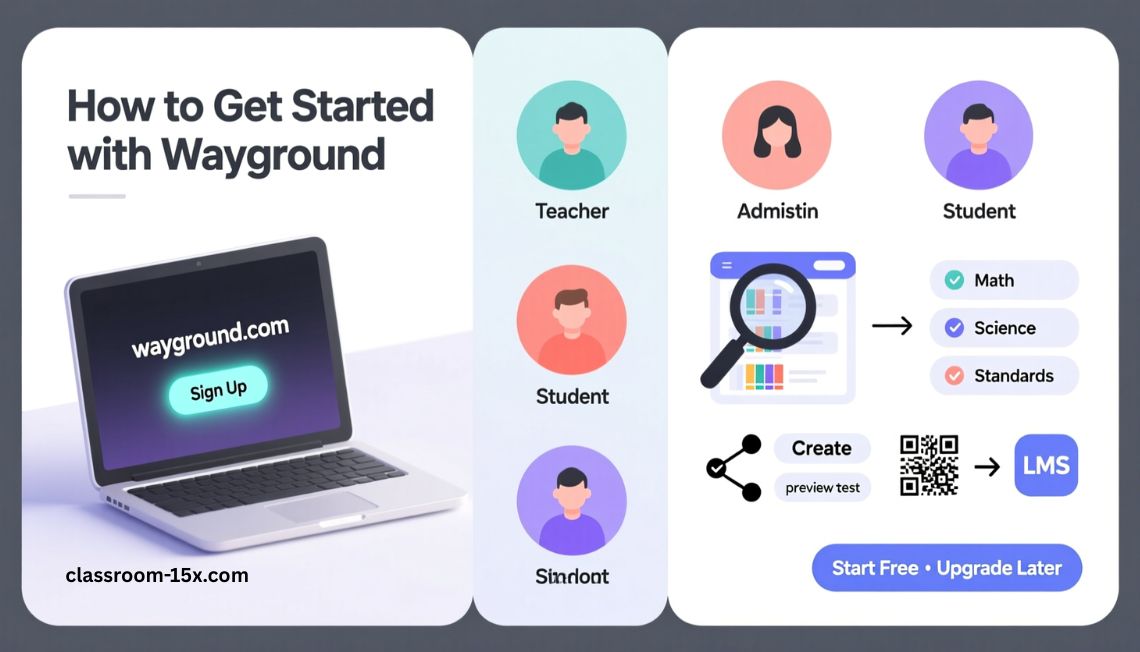
Ready to try? It’s simple. Follow these steps.
- Go to wayground.com. Sign up with email or Google.
- Pick your role: Teacher, admin, or student.
- Browse the library. Search by subject or standard.
- Make a quiz: Click “Create.” Add questions. Test it.
- Assign it: Share a code or link to your LMS.
- Check results: See reports after kids finish.
Start free. Upgrade if you need more.
Pricing Plans: What Fits Your Budget?
Wayground has plans for everyone. Free gets you basics. Paid unlocks more.
Here’s a table to compare:
| Plan Name | Price | Billing | Key Perks | Best For |
|---|---|---|---|---|
| Starter | Free | N/A | 20 resource limit, basic questions, limited library | New teachers testing it out |
| Individual Super | $10/month or $96/year | Credit card | Unlimited storage, all question types, AI tools, imports | Solo teachers wanting extras |
| School/District | Quote-based (starts around $50/month per user) | PO, check, card | Unlimited everything, integrations, admin dashboard, training | Teams or whole schools |
| For Work (Corporate) | $125/month or $1,500/year (min 5 users) | Annual | Custom features for training, reports | Businesses or nonprofits |
Pros and Cons: Is Wayground Right for You?
Like any tool, it has ups and downs.
Pros:
- Fun for kids: Games keep them engaged.
- Saves time: Ready resources and auto-grading.
- Flexible: Works in class or home.
- Data helps: See progress fast.
- Inclusive: Tools for all learners.
Cons:
- Free limits: Some features behind paywall.
- Tech glitches: Rare lags or bugs.
- Cost: Can add up for individuals.
- Changes: Rebrand brought tweaks some don’t like.
Overall, pros win for most teachers.
What Users Say About Wayground
Teachers rate it high. On Capterra: 4.8/5 from 544 reviews. Software Advice: Same score.
Positive: Easy to use. Kids love games. Great for remote days.
One 2026 review: “AI grading saves hours. Rebrand added cool bundles.”
Negative: Billing issues for some. Bugs post-update.
Trustpilot: 3.1/5 from 4 reviews. Mixed—good service but support slow.
Reddit teachers note changes like no auto-review in live mode. But many stick with it.
A teacher shared: “It’s my Swiss Army knife. AI wows me every time.”
Tips to Get the Most Out of Wayground
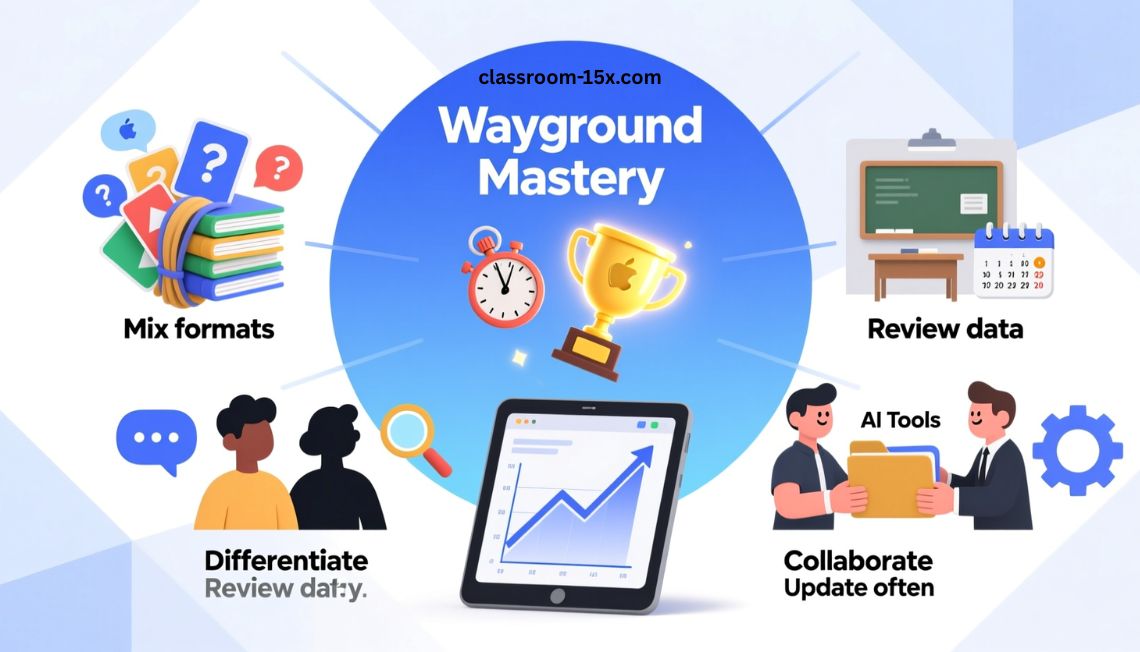
Want better results? Try these.
- Mix formats: Use quizzes, slides, flashcards in one bundle.
- Gamify it: Add timers and rewards for focus.
- Review data: Use graphs to plan next lessons.
- Differentiate: Set accommodations for groups.
- Collaborate: Share with other teachers.
- Update often: Check new AI tools each month.
These make lessons stick.
Read: myMCPS Classroom Login & Guide 2026: Easy Steps for Students, Parents & Teachers
Other Tools Like Wayground
If it doesn’t fit, try these.
- Kahoot: More live games, but less self-pace.
- Gimkit: Fun with money earning, good for review.
- Blooket: Similar games, free options.
- Google Forms: Basic quizzes, no frills.
Wayground wins on AI and resources.
Conclusion
Quizizz, now Wayground, turns boring lessons into fun adventures. With AI tools, ready resources, and game modes, it boosts engagement and saves you time. Start free today—sign up, build a quiz, and see kids thrive. Level up learning in 2026!
FAQs
What happened to Quizizz?
It rebranded to Wayground in 2025. Same tool, bigger focus on lessons and AI.
Is Wayground free?
Yes, Starter plan is free. Paid plans add features.
Can students use it without accounts?
Yes, join with a code. No sign-up needed.
Does it work on phones?
Yes, app for iOS and Android.
How does AI help in Wayground?
It grades, adjusts difficulty, and creates content. You control it.
What’s new in 2025?
Lesson bundles, more accommodations, VoyageMath for middle school.
Can I integrate with my LMS?
Yes, Google Classroom, Canvas, more.
Is data safe?
Yes, enterprise security. Meets education standards.
How do I cancel a plan?
Contact support. Some had issues, so check terms.
What’s VoyageMath?
New program for math practice with feedback.