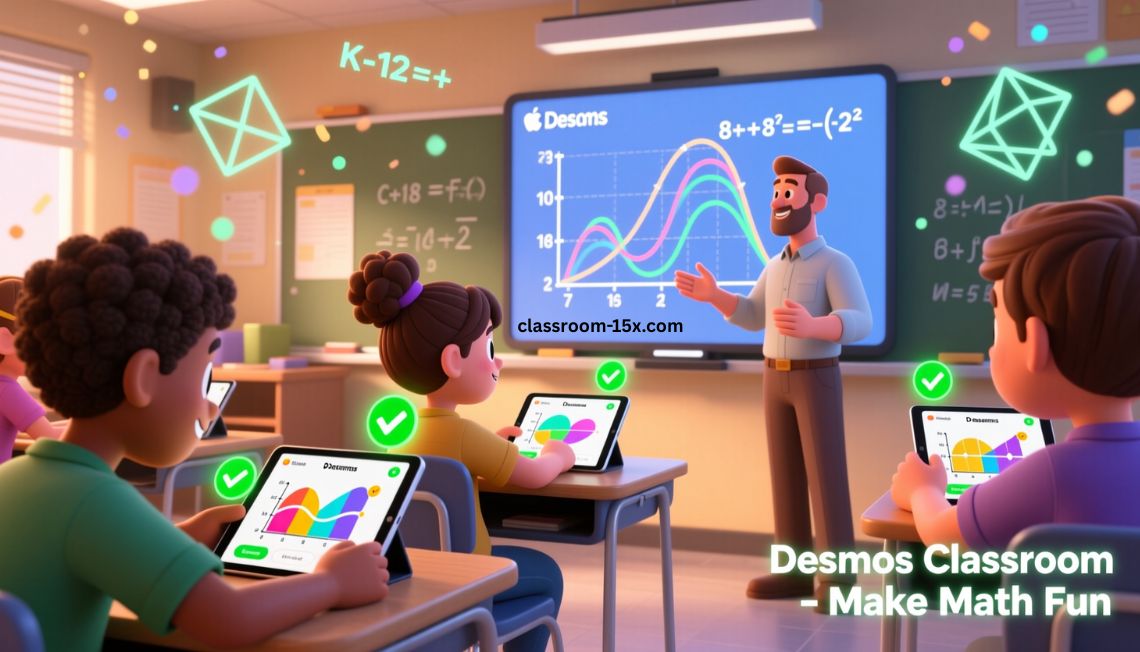
Desmos Classroom is a free online platform that helps teachers create fun, interactive math lessons. It is now called Amplify Classroom. You can use it to build activities where students graph, sort cards, sketch ideas, and more.
It works great for grades K-12. Teachers love it because it shows student work in real time. Students enjoy it because math feels like a game.
The main site at desmos.com points you here if you look for classroom tools. But the full lessons and builder are at Amplify Classroom.
Why Teachers Choose Desmos Classroom
Many teachers pick this tool to make math less boring. Here are the top reasons:
- It’s 100% free.
- Hundreds of ready-to-use lessons in math, science, and literacy.
- Students stay engaged with hands-on tasks.
- You see what kids understand right away.
- Works in class or for remote learning.
- Easy to customize lessons to fit your students.
Unlike the basic Desmos graphing calculator on the homepage, this platform adds teaching tools like dashboards and student feedback.
Key Features That Make Teaching Easier
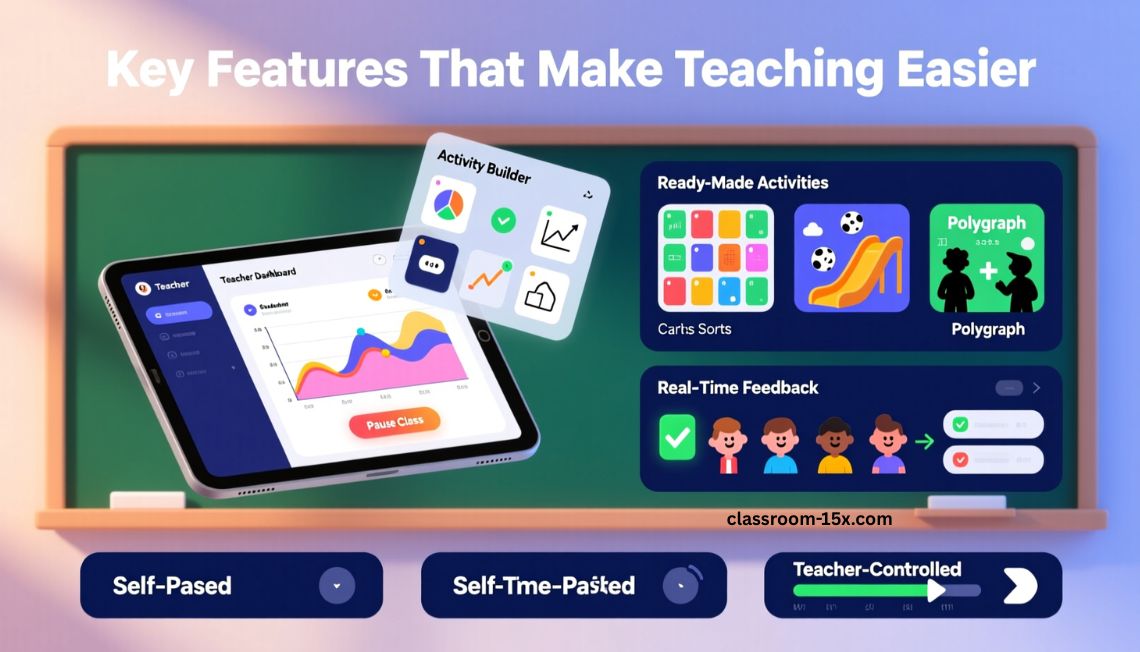
Desmos Classroom has tools that help you teach better.
Teacher Dashboard
You watch student progress live. Pause the class to discuss good ideas. Highlight anonymous student work to spark talks.
Activity Builder
Create your own lessons from scratch. Add graphs, questions, card sorts, or sketches.
Ready-Made Activities
Search hundreds of free lessons. Popular ones include:
- Card sorts for matching concepts.
- Marble slides for learning lines and slopes.
- Polygraph games like Guess Who, but for math ideas.
Real-Time Feedback
Students get instant checks on some tasks. You spot who needs help fast.
Pacing Options
Let students go at their own speed, or control the pace yourself.
How to Get Started with Desmos Classroom
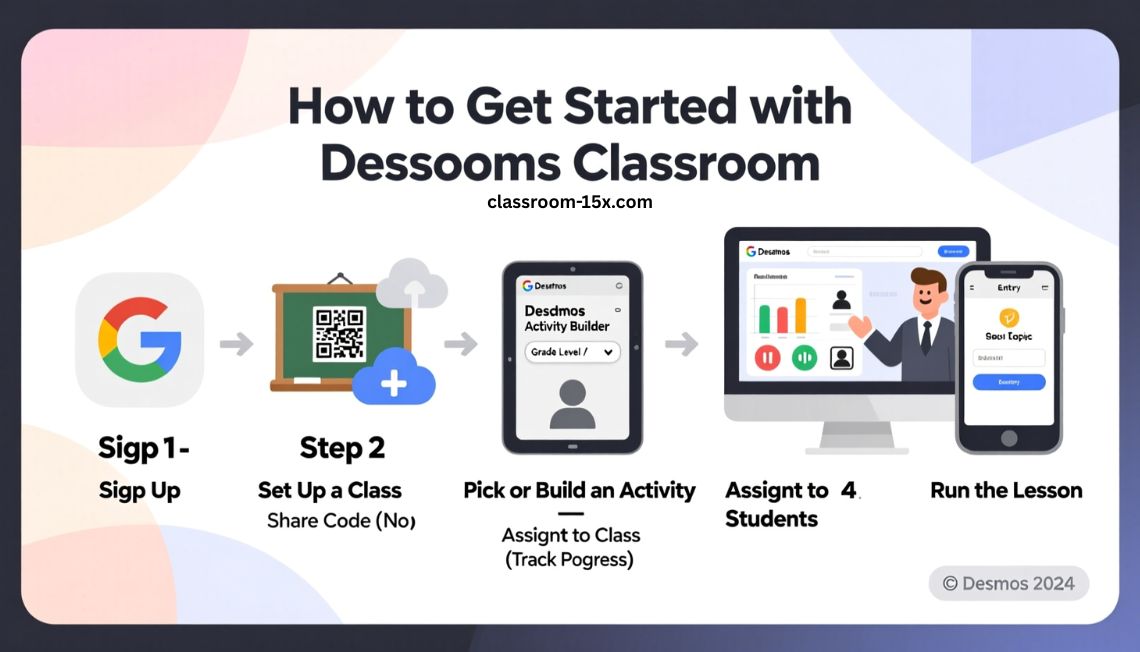
It’s simple to begin. Follow these steps.
Step 1: Sign Up
Go to the Amplify Classroom site. Sign in with Google or make a free account.
Step 2: Set Up a Class
Create a class. Import from Google Classroom if you use it. Students join with a code.
Step 3: Pick or Build an Activity
Browse lessons by grade or topic. Or start a new one with Activity Builder.
Step 4: Assign to Students
Share a code for quick sessions (no login needed). Or assign to your class for tracking.
Step 5: Run the Lesson
Open the teacher dashboard. Watch responses come in. Use pauses and snapshots to guide talks.
Students go to the student site and enter the code or log in.
Best Practices to Boost Student Engagement
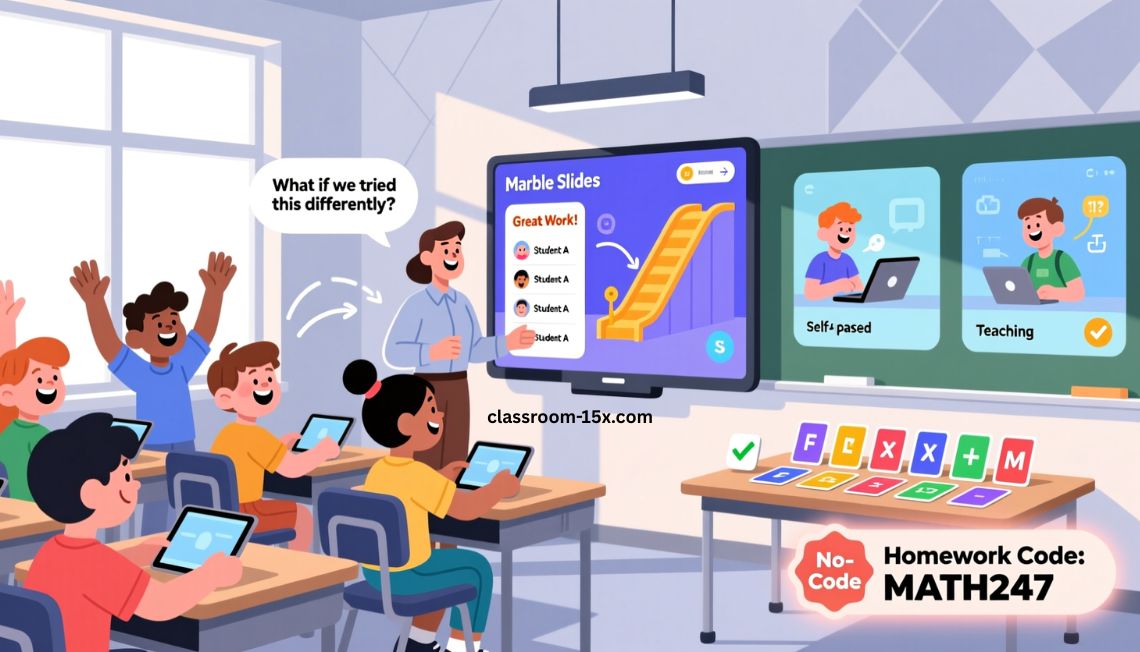
Here are tips from teachers who use it a lot.
- Start with a fun activity like Marble Slides to hook kids.
- Use the dashboard to call out strong student work (keep names hidden at first).
- Mix self-paced and teacher-paced screens.
- Add open questions to get kids talking.
- Try card sorts for review – they’re tidy and self-checking.
- For homework, use no-login codes so it’s easy.
These steps help kids think deeper and enjoy math more.
Read: Progress Learning: What It Is, Benefits & Top Strategies 2026
Popular Activity Types and Examples
Desmos Classroom shines with these interactive types:
- Card Sorts: Kids match cards. Great for vocabulary or equations.
- Graphing Tasks: Students plot points or functions. See ideas come alive.
- Sketches: Draw on graphs to show understanding.
- Marbleslides: Slide marbles through stars – fun way to learn parabolas or lines.
- Polygraph: Guess partner’s graph by asking questions.
Many teachers use these for algebra, geometry, and pre-algebra.
Benefits for Students of All Levels
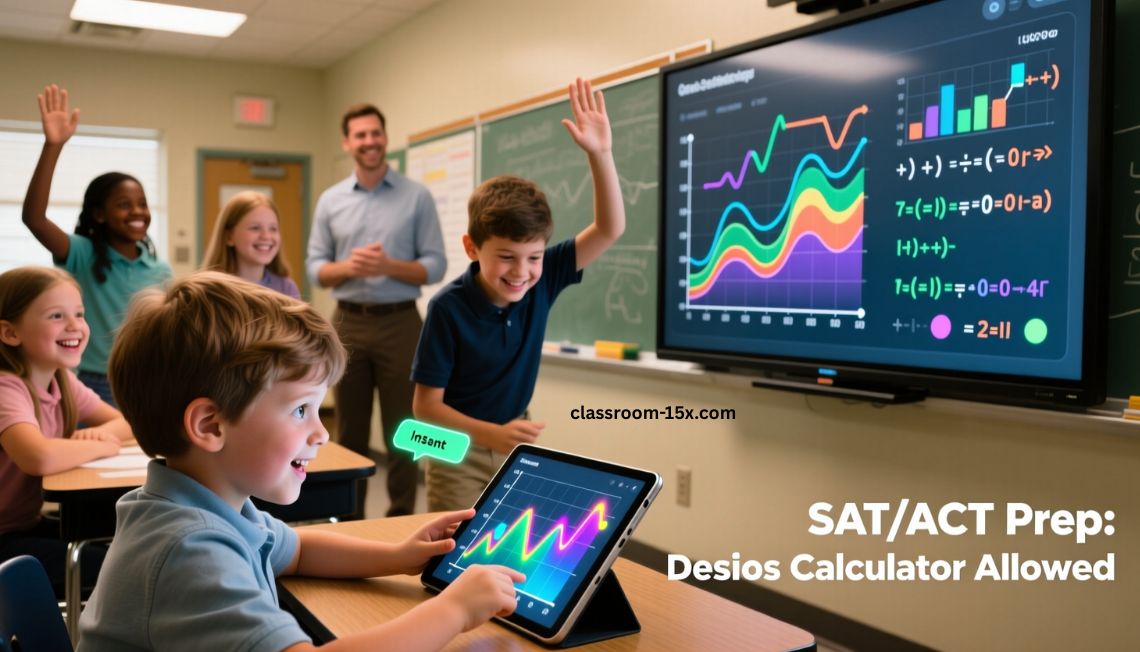
Kids learn better when they play with ideas.
- Visual learners see graphs change in real time.
- Struggling students get instant feedback.
- Advanced kids explore deeper.
- Builds confidence – math feels doable.
- Prepares for tests like SAT or ACT (Desmos calculator is allowed on many).
Teachers report higher participation and better understanding.
How Desmos Classroom Compares to Other Tools
| Feature | Desmos Classroom (Amplify) | Basic Desmos Calculator | Other Tools like GeoGebra |
|---|---|---|---|
| Free Interactive Lessons | Yes, hundreds | No | Some free |
| Teacher Dashboard | Yes | No | Limited |
| Real-Time Student View | Yes | No | Varies |
| Activity Builder | Yes | No | Yes |
| Card Sorts & Games | Yes | No | No |
| Easy for Beginners | Yes | Yes | Sometimes complex |
Tips for New Teachers
If you’re new, try these:
- Watch short tutorials on the site.
- Start small – run one pre-made activity.
- Join teacher communities to share ideas.
- Use snapshots to save great student work.
- Mix with your usual lessons.
You’ll see results fast.
Conclusion
Desmos Classroom makes math more engaging, visual, and interactive for K-12 students. With free activities, real-time feedback, and powerful teacher tools, it helps classrooms move beyond worksheets. Whether you’re teaching in person or online, Desmos Classroom is an easy way to boost participation and understanding. Try it today and see how fun math can be.
Frequently Asked Questions
Is Desmos Classroom really free?
Yes. All lessons, builder, and tools cost nothing.
Do students need accounts?
No for quick sessions with codes. Yes if you track progress over time.
What grades does it work for?
Best for K-12, with most activities in middle and high school math.
Can I use it offline?
No, it needs internet. But it works on phones, tablets, or computers.
How is it different from the Desmos calculator?
The calculator is for graphing. Classroom adds lessons, dashboards, and group tools.
Where do I find lessons?
Search on the Amplify Classroom site by topic or grade.
Can I make my own activities?
Yes, with the free Activity Builder.
Is it safe for students?
Yes. You control classes, and work can stay private.