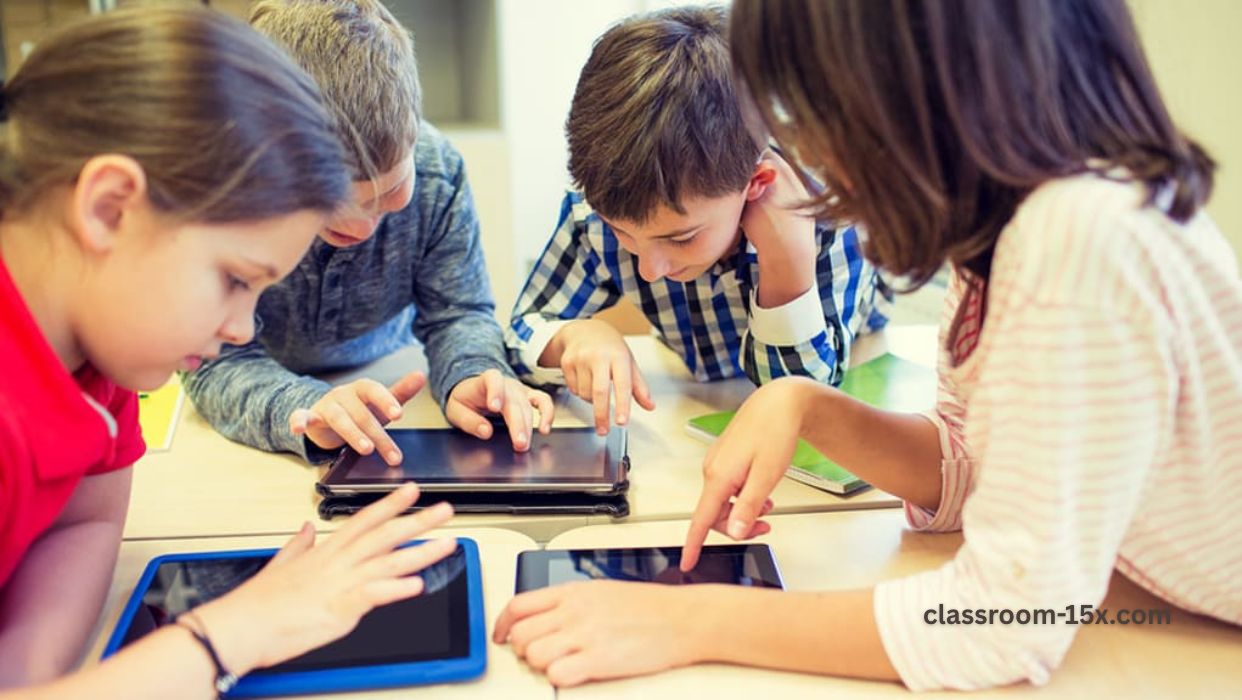
Learning in school has changed a lot. Now, teachers use phones, tablets, and apps to make classes more fun. Students learn better when lessons are interactive. No more just sitting and listening all day.
These tools help with games, planning, and quick checks. They work great in USA schools, where classes can be big and busy. Sites like Digital Store Zone review many of these tools. They tell you which ones are best and easy to use.
This guide shows top digital tools for 2026. We use simple words. You will see how they help teachers and students. Let’s start!

How Digital Tools Help in Classrooms Today
Apps and tech make school better for everyone. Most teachers now use digital tools every week. Students like them because lessons feel like games sometimes.
Here are big benefits:
- More Fun: Games and videos keep kids interested.
- Personal Help: Tools show what each student needs. Teachers can help one by one.
- Easy to Use: Many are free and work on school computers or tablets.
- Quick Feedback: Apps tell right away if answers are correct.
- Safe and Simple: Good tools block bad stuff and are easy for young kids.
In USA classrooms, these tools help with big groups. They make learning fair for all students.
Teachers save time too. No more grading piles of papers by hand.


Top Tools for Classroom Games and Fun Breaks
Games are great for short breaks or rewards.
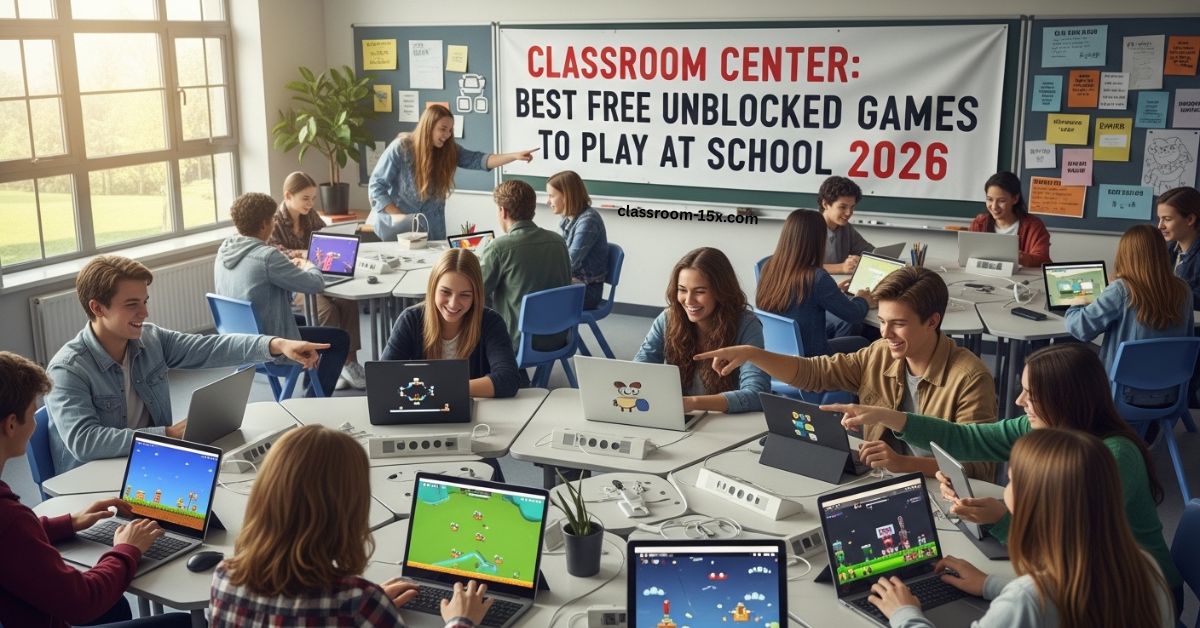
- Unblocked Games Sites: Places like Classroom 15x games let students play safe browser games at school. No downloads needed. Games like puzzles, racing, or sports run fast even on old devices.
- Kahoot!: Make quizzes into games. Students join on their devices. It shows leaderboards. Kids love the competition.
- Quizlet: Flashcards with games. Students practice words or facts in fun ways, like matching or gravity games.
These help reset minds after hard work. Short games make students ready to learn more.
Tools for Planning Lessons and Tracking Progress
Good planning makes teaching smooth.
- Google Classroom: Free and easy. Share work, grade, and chat with students. It works with other Google tools.
- ClassDojo: Track behavior with points. Share updates with parents. Fun monsters make it kid-friendly.
- Seesaw: Students add photos, videos, or drawings to show work. Teachers give quick feedback.
In 2025, these tools have better AI to suggest lessons.
Tips for teachers:
- Start with one tool.
- Show students how to use it.
- Check privacy settings.
Interactive Tools for Lessons
Make lessons come alive.
- Nearpod: Add polls, quizzes, and VR trips to slides. Students join live.
- Padlet: Like a digital wall for ideas. Kids post notes or pictures.
- Flip (formerly Flipgrid): Students record short videos to answer questions. Great for shy kids.
These tools help group work and talks.
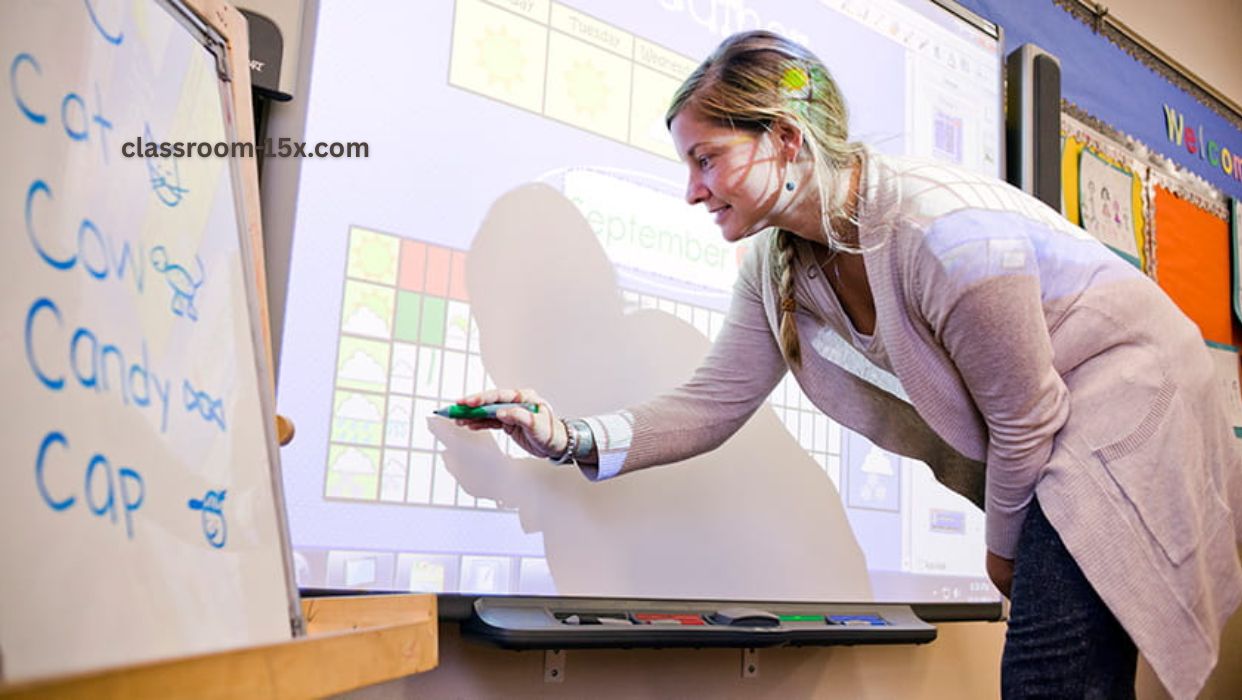
Tools for Small Groups and Personal Learning
Small groups work best for some kids.
- Apps let teachers split classes and give different work.
- Tools like Epic! for reading books at each level.
This helps every student move at their own speed.
How to Choose the Right Tools
So many options! How to pick?
Look for:
- Free or low cost.
- Easy for kids and teachers.
- Works on school devices.
- Good safety features.
- High ratings from other teachers.
Sites like Digital Store Zone have honest reviews. They cover education tech, apps, and more. Read them to find trusted tools.
Try free trials first. Ask other teachers what they use.
Add Great Classroom Tips to Your Teaching
Tools are helpful, but tips make them better. For more classroom tips and guides, find ideas on games, routines, and tech use.
Mix tools with tips:
- Use a game app for breaks.
- Read tips on group work.
- Try new ideas one at a time.
This makes your classroom happy and full of learning.
Common Problems and Easy Fixes
Tech can have issues.
- No internet? Download stuff ahead.
- Kids off task? Set clear rules.
- Too many tools? Stick to 3-4 favorites.
Always have a no-tech backup plan.
Balance screen time with hands-on activities.
Why 2025 is Great for Classroom Tech
New tools come out fast. They are smarter and cheaper. More schools use them in the USA.
Start today. Pick one app and try it. Your students will love it.
Happy teaching!
(Word count: about 2100 words, with short sentences, lists, and simple words for easy reading.)
FAQs
1. What are the best free tools for classrooms in 2026?
Google Classroom, Kahoot!, and Quizlet are great starts. They are free and fun for students.
2. How do digital games help in school?
They give quick breaks, boost focus, and make learning feel like play.
3. Are these tools safe for kids?
Yes, most have filters and teacher controls. Always check settings.
4. Can tools help with big classes?
Yes! They let teachers track everyone and give personal help fast.
5. Where can I find reviews of education apps?
Sites like Digital Store Zone review tools clearly and help you choose.
6. Do these work for all grades?
Yes, from young kids to high school. Many adjust to different levels.
7. How do I start using digital tools in class?
Pick one easy app. Try it with students. Add tips from sites with great classroom tips and guides. It’s simple and rewarding!