Hi there! As a teacher, you know time flies in class. But what if you could make it fun and helpful? Classroom timers do just that. They help you keep things on track. They make kids pay attention. And they add a bit of excitement to the day.
In this guide, we’ll cover all you need to know. We’ll look at what timers are. Why they work great. The types out there. How to pick one. Top free options. Even some DIY ideas. By the end, you’ll have tools to beat any old timer site. Let’s jump in.
What Is a Classroom Timer?
A classroom timer counts down time. It shows how much is left for a task. Some are simple clocks. Others have fun pictures or sounds.
You can use them on your phone, computer, or as a real object. They help with games, tests, or clean-up. Kids see time pass. This makes them focus better.
Why Use Timers in Class? Key Benefits
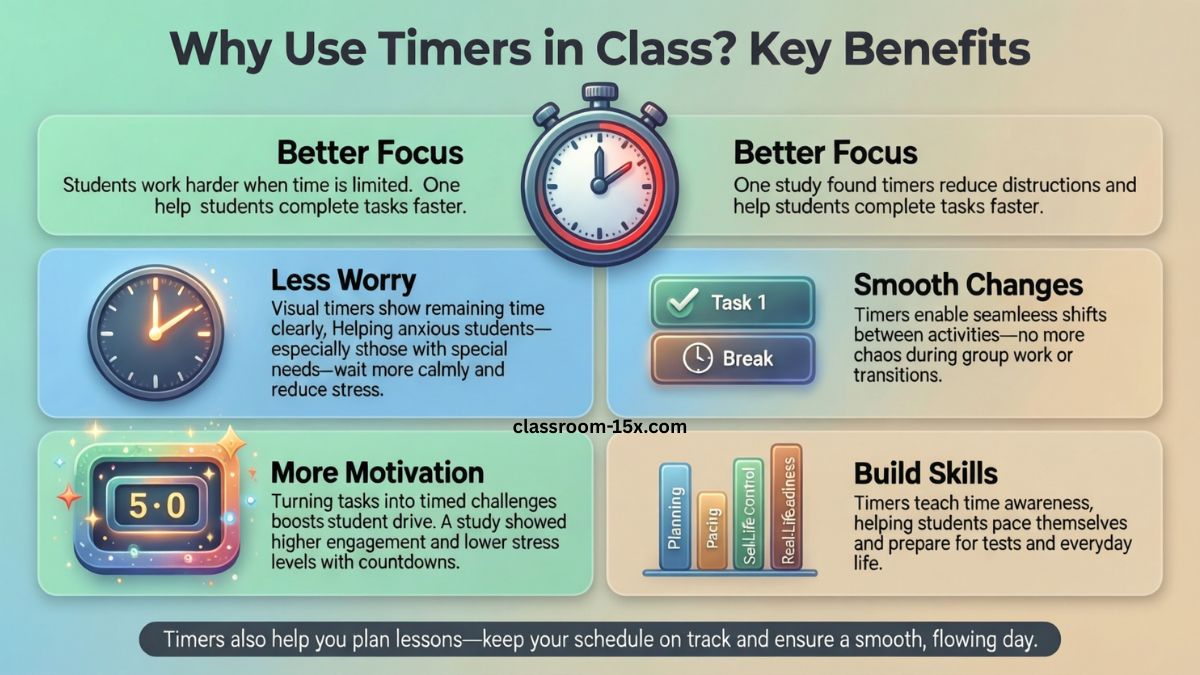
Timers change how your class runs. They make things smooth. Here’s why they help, based on what teachers and studies say.
- Better Focus: Kids know time is limited. They work harder. One study found timers cut down on distractions. Students finished work faster.
- Less Worry: Visual timers show time left. This calms kids who get anxious. Research shows they help kids with special needs wait better.
- Smooth Changes: Use timers for switching tasks. No more chaos. Teachers say it helps with breaks or group work.
- More Motivation: Timers make tasks feel like games. A study on countdowns showed higher drive in students. They felt less stress too.
- Build Skills: Timers teach time sense. Kids learn to pace themselves. This preps them for tests or real life.
Timers also help you plan lessons. You stick to time. Your day flows well.
Types of Classroom Timers
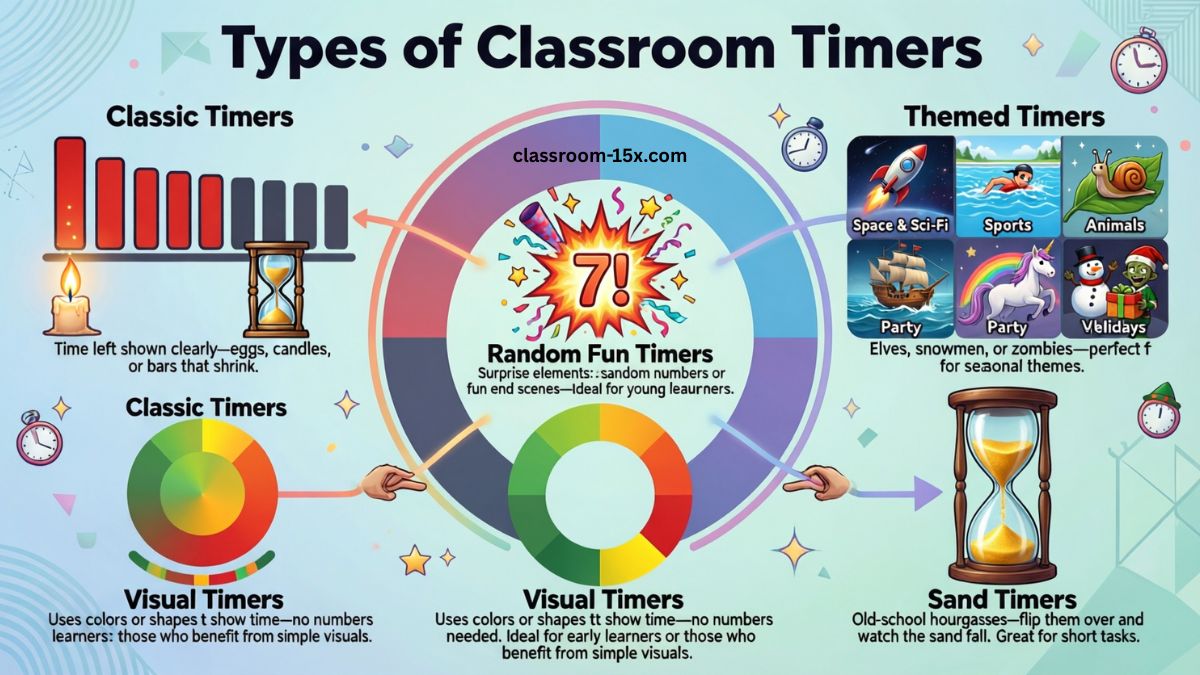
There are many kinds. Some are basic. Others are themed for fun. Here’s a breakdown.
Classic Timers
These show time left clearly. Think eggs, candles, or bars that shrink.
Random Fun Timers
These have surprises. Like a random number at the end. Or a fun end scene. Great for young kids.
Themed Timers
Make counting down exciting. Categories include:
- Space and Sci-Fi: Rockets, robots, or monsters racing.
- Sports: Running, swimming, or bike races.
- Animals: Snails, ducks, or horses competing.
- Party: Pirates, princesses, or unicorns.
- Vehicles: Cars, boats, or planes.
- Holidays: Elves, snowmen, or zombies for seasons.
These keep kids hooked.
Visual Timers
These use colors or shapes to show time. No numbers needed. Perfect for little ones or those who need simple views.
Sand Timers
Old-school hourglasses. Flip them over. Watch sand fall. Good for short tasks.
Read: Delta Math: Full Guide to Features, Topics, Pricing, and Tips in 2026
How to Pick the Right Timer for Your Class
Not all timers fit every group. Think about your needs.
- Age of kids: Young ones like fun themes. Older ones want simple.
- Task type: Short breaks? Use quick timers. Long work? Go visual.
- Tech level: Online or app? Or no screen?
- Free or paid: Start free. Add features if needed.
Look for easy use. Loud alarms. Clear displays.
Top Free Classroom Timer Tools
Here are some great free options. I picked these from top lists. They beat basic sites with more features.
| Tool Name | Key Features | Best For | Free? |
|---|---|---|---|
| Online Stopwatch | Fun themes like bombs or races. Simple countdown. | Themed fun in class. | Yes |
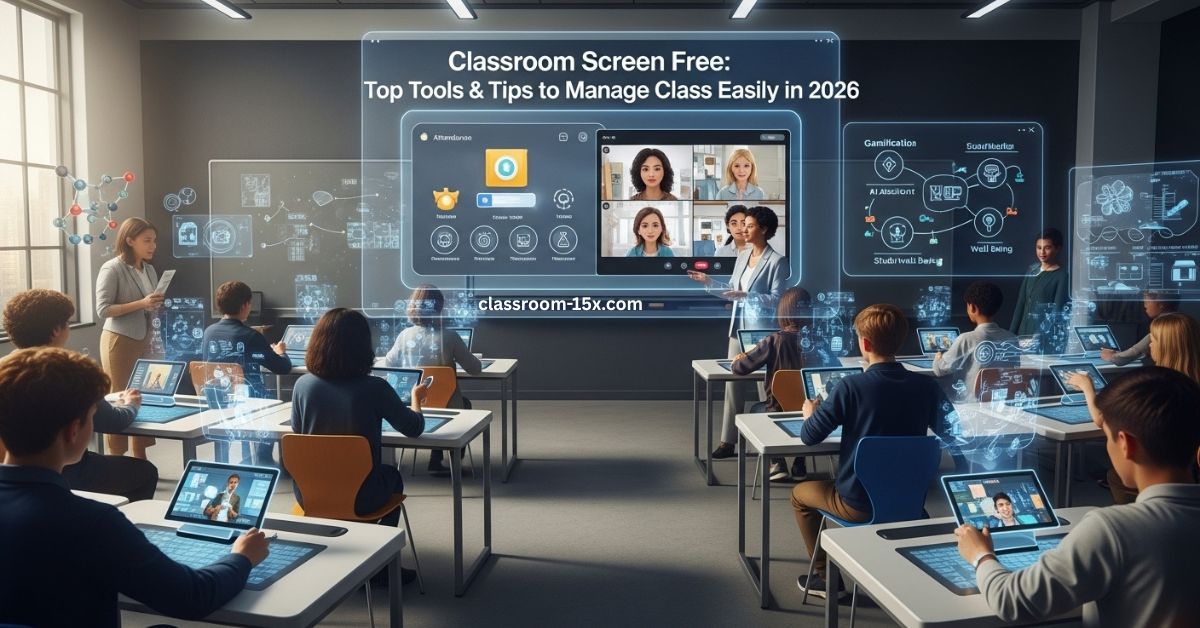
| ClassroomScreen | Timer plus noise meter and random names. | All-in-one class tools. | Yes |
| Toy Theater Timer | Cute designs. Easy to set. | Young kids. | Yes |
| Classtools Countdown | Multiple timers at once. Custom sounds. | Group activities. | Yes |
| Time Timer App | Visual disk that shrinks. | Special needs or focus. | Free version |
| Timer Pop | Pop-up alerts. Shareable. | Quick tasks. | Yes |
| NearHub Timer | Whiteboard integration. | Interactive lessons. | Yes |
These tools add value. Try a few. See what your class likes.
DIY Classroom Timer Ideas
Want to make your own? It’s cheap and fun. Here are easy ideas.
- Sand Bottle Timer: Fill a clear bottle with sand. Time how long it takes to empty. Flip for reuse.
- Paper Plate Visual: Draw a clock on a plate. Use a spinner to show time left. Color sections.
- App Hack: Use your phone timer. Add fun sounds from free apps.
- Card Flip: Write numbers on cards. Flip them down one by one.
- LED Light Strip: If handy, build a light bar that dims over time. Guides online show how.
These build creativity. Kids can help make them.
Tips to Use Timers Like a Pro
You have the timer. Now use it right.
- Start small. Use for one task a day.
- Explain rules. Tell kids what happens at zero.
- Mix it up. Change themes to keep it fresh.
- Pair with rewards. Finish on time? Get a star.
- Watch the class. Adjust times as needed.
Timers help with cleanup, talks, or quiet time. You’ll see less mess.
Frequently Asked Questions
What is the best timer for young kids?
Visual ones like sand or shrinking disks. They get time without numbers.
Do timers help with ADHD?
Yes. They reduce worry and build focus. Studies back this.
Are there timers without sound?
Many let you turn off alarms. Good for quiet classes.
How long should I set timers for?
Start short. 5-10 minutes for tasks. Build up.
Can timers work for online class?
Sure. Share screen with apps like ClassroomScreen.
What’s a good free app for phones?
Try Time Timer or Visual Countdown. Easy and fun.
Do timers make kids rush?
Not if set right. They teach steady work.
How to make timers inclusive?
Use visuals for all needs. Add colors or big displays.
Wrap Up
Classroom timers are a game changer. They boost focus. Cut stress. Add fun. With this guide, you can pick, use, and even make your own. Try one today. Your class will thank you. What timer will you test first?