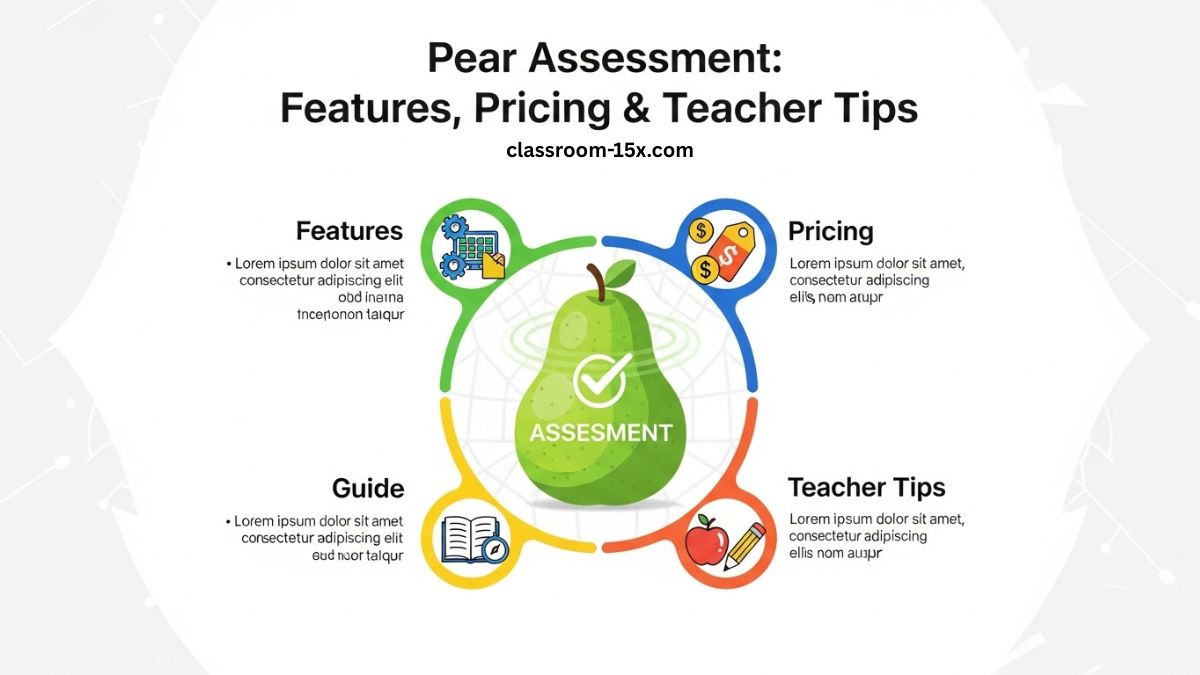
Hey there, teacher. You want to make testing simple and helpful for your students. That’s where Pear Assessment comes in. It’s a tool from Pear Deck Learning. It helps you create tests, check progress, and teach better. We built this guide to show you everything. Plus, we add extra tips to make your job easier. Let’s jump in.
What is Pear Assessment?
Pear Assessment is an online tool for teachers. You use it to make and give tests. It works for quick checks or big exams. It was once called Edulastic. Now it’s part of Pear Deck. It fits with other tools you know, like Google or Microsoft.
You can build tests from scratch. Or pick from thousands ready to go. It gives you data right away. So you see what students get and what they need help on. It’s safe and easy. Many teachers use it every day.
Key Features of Pear Assessment
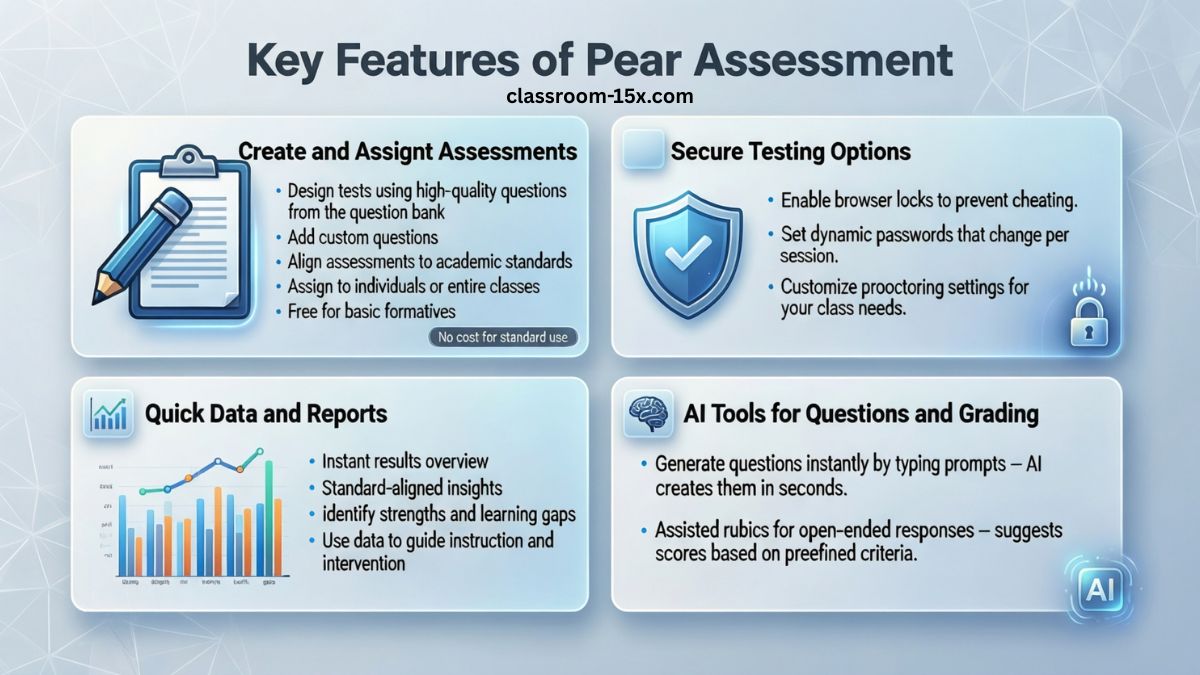
This tool has lots of ways to help you test and teach. We cover the main ones here. Each makes your work faster.
Create and Assign Assessments
You can make tests for your class. Use high-quality questions from their bank. Or add your own. Align them to standards. It’s free for basic formatives.
Need a benchmark? Set it up to check gaps in learning. Assign to groups or the whole class. Students take it on their devices.
Secure Testing Options
Keep tests fair. Use browser locks to stop cheating. Set passwords that change. Pick settings that fit your needs.
This keeps things safe. No worries about kids looking up answers.
Quick Data and Reports
Get results fast. See scores at a glance. Reports show strengths and weak spots. Tied to standards.
Use this to plan next steps. Help students where they struggle.
AI Tools for Questions and Grading
New in recent years: AI helps make questions. Type what you want. It creates them in seconds. Safe for school use.
Also, assisted rubrics for grading. It suggests scores based on rules. Saves you time on open answers.
How to Visualize Student Progress
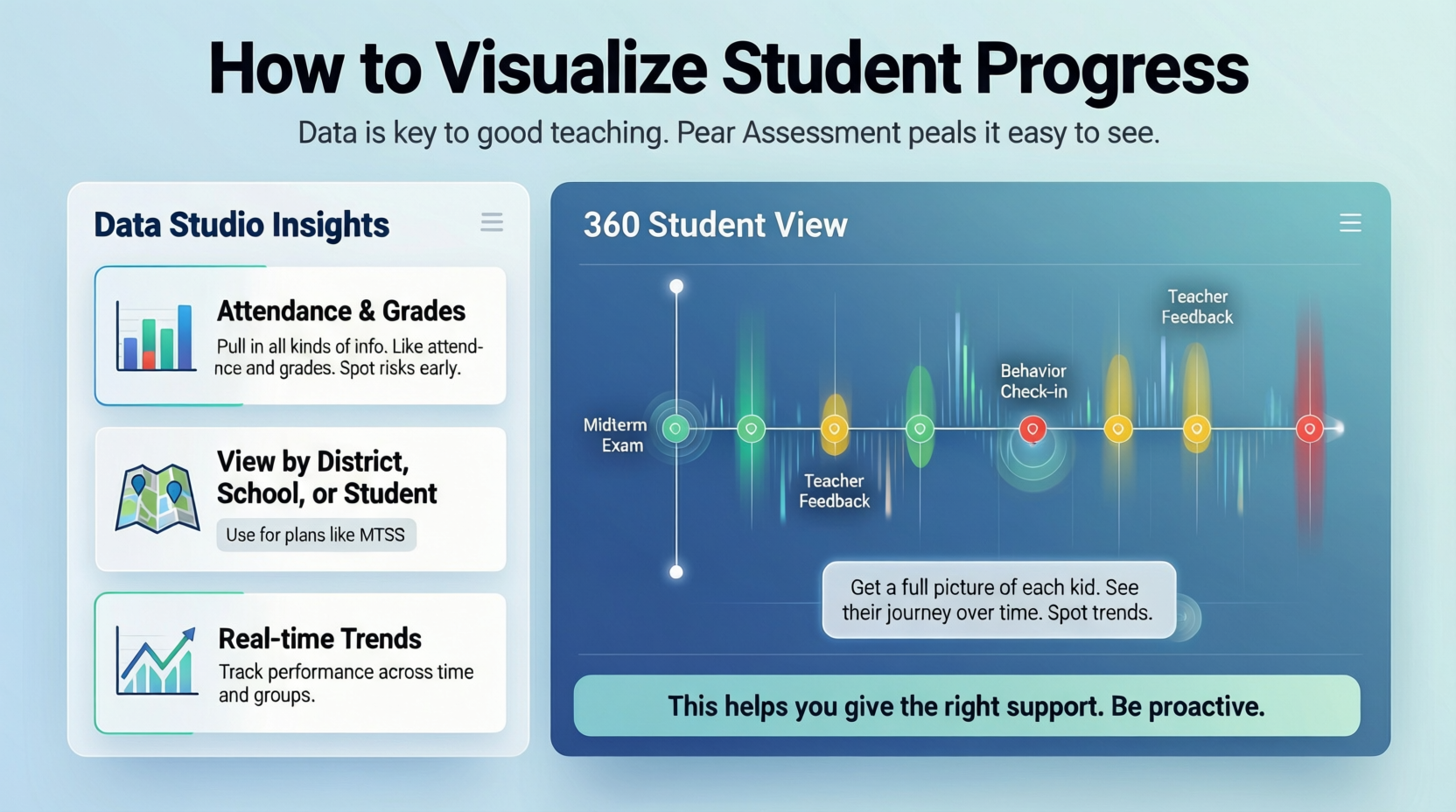
Data is key to good teaching. Pear Assessment makes it easy to see.
Data Studio Insights
Pull in all kinds of info. Like attendance and grades. Spot risks early.
View it by district, school, or student. Use for plans like MTSS.
360 Student View
Get a full picture of each kid. See their journey over time. Spot trends.
This helps you give the right support. Be proactive.
Save Time with Smart Content Tools
No more long prep. These features cut hours off your work.
Instant Lesson Packages
Make lessons, practice, or tests quick. Pick a topic. It generates in under a minute.
Change it for different groups. Differentiate easy.
Content Converter
Upload your files. It turns them into interactive stuff. Like lessons or quizzes.
Works with docs or PDFs. Automates the hard part.
Easy Integrations with Your Tools
Pear Assessment plays nice with what you have. Sign in with Google, Microsoft 365, or Clever.
Sync your class list. Share assignments. Push grades back. No extra steps.
Step-by-Step: Getting Started with Pear Assessment
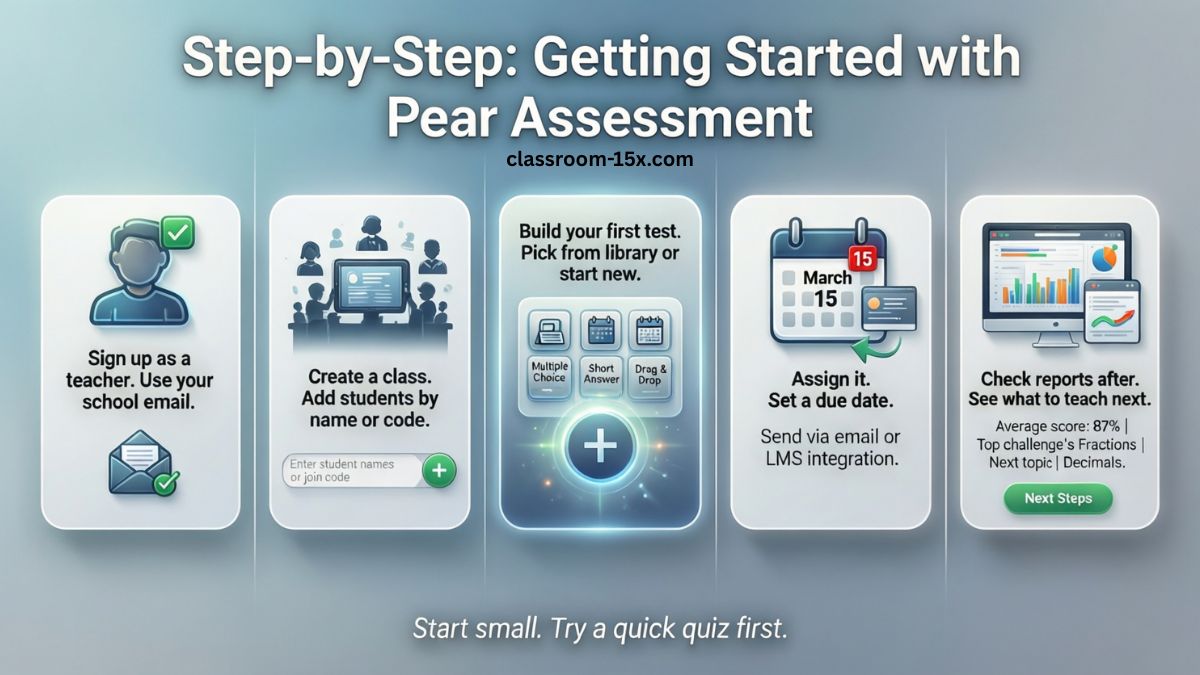
Ready to try? Here’s how. We make it simple.
- Sign up as a teacher. Use your school email.
- Create a class. Add students by name or code.
- Build your first test. Pick from library or start new.
- Assign it. Set a due date.
- Check reports after. See what to teach next.
Start small. Try a quick quiz first.
Read: Classroom 6x Unblocked Games: Best Free Games to Play at School in 2026
Tips to Get the Most Out of Pear Assessment
You can do more than basics. Here are pro tips.
- Mix question types. Use multiple choice, drag-and-drop, or essays.
- Track over time. Use mastery reports for the year.
- Group students by needs. Assign extra practice.
- Use AI wisely. Check questions before using.
- Share data with parents. Build support at home.
These help you teach smarter.
Why Pear Assessment Beats the Rest
Other tools exist. But this one stands out.
- More free options than many.
- AI features others lack.
- Better data views for quick decisions.
- Part of a full suite with lessons and tutoring.
It grows with you. From small class to whole district.
Conclusion
Pear Assessment stands out as a powerful, user-friendly tool that empowers teachers to create meaningful tests, gain instant insights into student progress, and save precious time with smart features like AI-generated questions and seamless integrations. Whether you’re handling quick formatives or district-wide benchmarks, it helps you personalize learning, spot challenges early, and drive better outcomes for every student—making it a must-try for educators aiming to elevate their classroom game without the hassle.
Frequently Asked Questions
You might have questions. We answer more than most guides.
What does Pear Assessment cost?
It has free and paid plans. Basics are free. Full features for schools vary.
Can students use it on phones?
Yes. Works on any device with web.
How do I add my own questions?
Easy. Click create. Pick type. Type in.
Is data safe?
Yes. They follow school privacy rules.
What if I need help?
Support team is there. Chat or email.
Does it work for all grades?
From K-12. Any subject.
How to use AI question maker?
Go to test build. Click generate. Enter topic.
Can I import old tests?
Yes. Upload and convert.
What’s new in 2026?
More AI updates. Better reports.