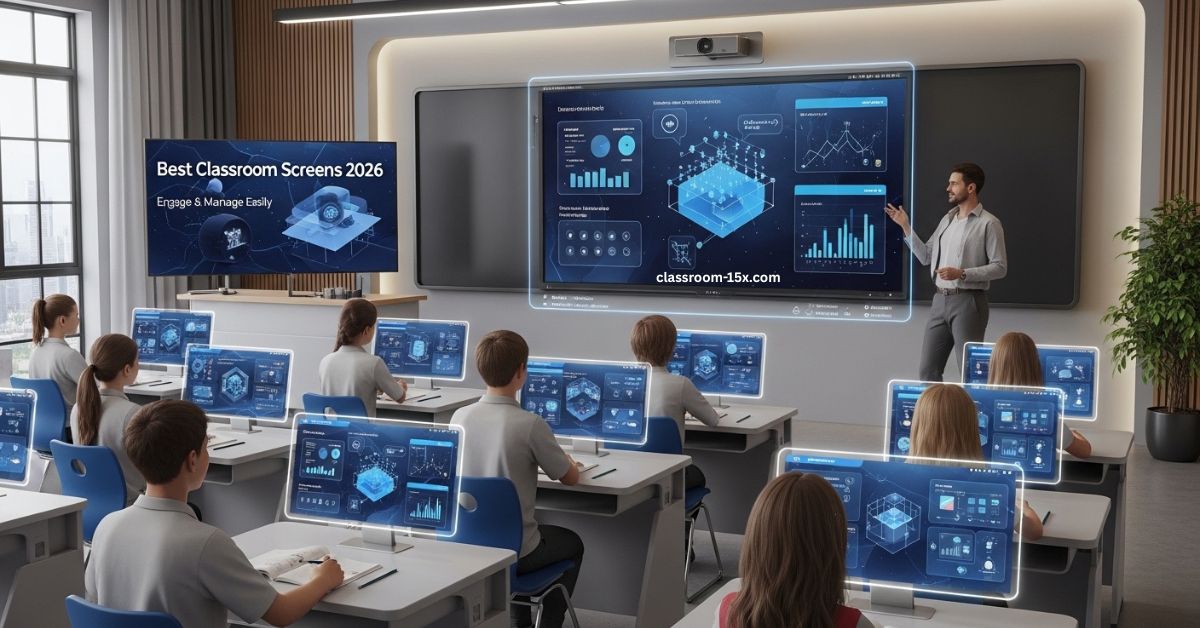
Classroom screens are digital boards you show on a screen in class. They help you run your lessons smooth. You add tools like timers or polls. Kids stay on task. You save time. We see them in many schools now. They make teaching easy and fun.
What Are Classroom Screens?
Classroom screens are online tools. You use them on a computer or big screen. They act like a whiteboard but with extras. You pick backgrounds. You add widgets. Widgets are small tools. Like a clock or noise check.
These screens help you show what to do. No need for lots of papers. Just one screen for all. You can change it quick. Kids see clear steps. This cuts mess in class.
Some screens are free to start. No sign-in at first. You try them fast. They work on any device. Phone, tablet, or laptop.
Why Teachers Love Classroom Screens
You get big wins with classroom screens. Kids pay more attention. You control time better. No yelling needed.
Here are key perks:
- Boost focus: Widgets grab kids’ eyes. They stay on one screen.
- Save time: Set up lessons ahead. Reuse them.
- Team work: Share screens with other teachers.
- Fun games: Add polls or picks for joy in class.
- Clear rules: Show what to do with text or signs.
- Check quick: See how kids feel or know stuff.
Data shows good stuff. One study says tech like this ups kid engagement by 20%. Teachers say it cuts bad acts too. Over 450,000 use it each day in 180 lands. That’s big.
Key Features That Make Classroom Screens Great
Good classroom screens have tools you need. Here’s a list of top ones:
| Feature | What It Does | Why You Need It |
|---|---|---|
| Timer | Counts down time | Keeps tasks on track |
| Noise Check | Shows sound level | Helps keep quiet when needed |
| Random Pick | Picks names or groups | Fair way to choose kids |
| Poll | Asks quick questions | Gets fast feedback |
| Text Box | Adds notes or rules | Shows clear steps |
| Draw Tool | Lets you sketch | Good for quick pics |
| Traffic Light | Signals work mode | Tells kids to stop or go |
| QR Code | Links to stuff | Easy share of extras |
| Background | Changes look | Makes screen fun |
You mix these for your class. Start simple. Add more as you go.
How Classroom Screens Work in Different Grades
Classroom screens fit all ages. You change them to match kids.
Pre-K and Early Grades
Use bright pics. Show simple rules. Add fun sounds. Helps with change times. Kids learn to follow on their own.
Middle School
Good for group work. Share tasks. Play team games. Keeps big groups calm.
High School
Make it your way. Help kids work alone. Share notes fast. Keeps class linked.
Special Needs
Use pics to talk. Check in often. Change for each kid. Makes learning fair.
For Whole Schools
Share tools. Manage big groups. Use set ups for all. Helps new teachers too.
Read: Classroom 7x: Free Unblocked Games Online – No Downloads, No Blocks
Real Stories from Teachers Using Classroom Screens
Teachers share wins on social spots. One says, “The random pick stops fights over turns.” Another likes the timer for tests. “Kids stay calm,” she adds.
A teacher notes, “Noise check keeps class quiet without me saying a word.” One more: “I set up screens at home. Saves my day.”
Over two million teachers use them. In three million classes world wide. You see why.
Step-by-Step Guide to Set Up Your Classroom Screen
Ready to start? It’s easy. Follow these steps.
- Go to a classroom screen site.
- Pick “new screen.”
- Choose a background. Like a forest or plain.
- Add widgets. Click the bar. Pick timer or text.
- Set them up. Add time or words.
- Save if you can. Or just use now.
- Show on big screen. Use a projector.
- Change as you teach.
Do this in five minutes. Practice once. You got it.
Tips to Use Classroom Screens Like a Pro
Want to do better? Try these ideas.
- Keep it clean. Use few tools at once.
- Blur screen to hide quick changes.
- Use spot light to point at one thing.
- Pin tools so they stay.
- Mix with other class stuff. Like breaks or quizzes.
- Ask kids for ideas. They love it.
- Check data. See what works.
- Update often. Keep fresh.
These make your class run smooth. Kids learn more.
What the Data Says About Classroom Screens
Studies back this up. One review shows better focus in tech classes. Kids score higher.
Market grows fast. Up by billions soon. Why? Teachers save 40% time on tasks.
In one test, kids engage more with polls. Behavior gets better too. No big downsides if used right.
We know it helps all kids. Even those who need extra.
Other Options If You Want Something Different
Not all screens are the same. Some focus on games. Others on team chat.
Look for ones with free trials. Check if they have polls or timers. Some add video or quizzes.
Pick what fits your style. Mix tools for best class.
Common Questions About Classroom Screens
Here are answers to top asks. We added more to help you.
What if I have no tech skills?
No worry. They are simple. Click and go. No hard steps.
Do kids need devices?
No. Just show on one big screen. All see it.
Is it free?
Many start free. Pay for extras like save or share.
Can I use it online?
Yes. Works for remote class too. Share screen.
How does it help busy teachers?
Saves time. One spot for all tools. Less plan stress.
What if noise check fails?
Set rules first. Use with other ways to calm.
Good for big classes?
Yes. Groups and picks help manage many.
Any bad sides?
Screen time. But short use is fine. Mix with no-tech.
How to pick the best one?
Try a few. See what tools you need most.
Does it work with other apps?
Some do. Add links or pics easy.
Conclusion
Classroom screens are a simple but powerful way to make teaching more organized, engaging, and stress-free. With tools like timers, noise meters, random pickers, and polls, you can manage your class smoothly while keeping students focused and involved. They save time, reduce distractions, and add a fun digital touch without making lessons complicated. Whether you teach young kids or high school students, classroom screens help create a clear, structured, and interactive learning space. Start small, explore the features, and you’ll quickly see how this smart tool can transform your everyday teaching routine.